CEO Haryana
Check the state election portal for Haryana notices, electoral-roll resources, district instructions, and any current SIR route.
State source
verify first
If you searched for SIR form Haryana, do not treat the first PDF result as the current state instruction. Start with CEO Haryana, Voters Portal, or an ECI notice, confirm whether your area uses a printable form, an online route, or BLO-assisted collection, and enter personal voter details only on an official channel.
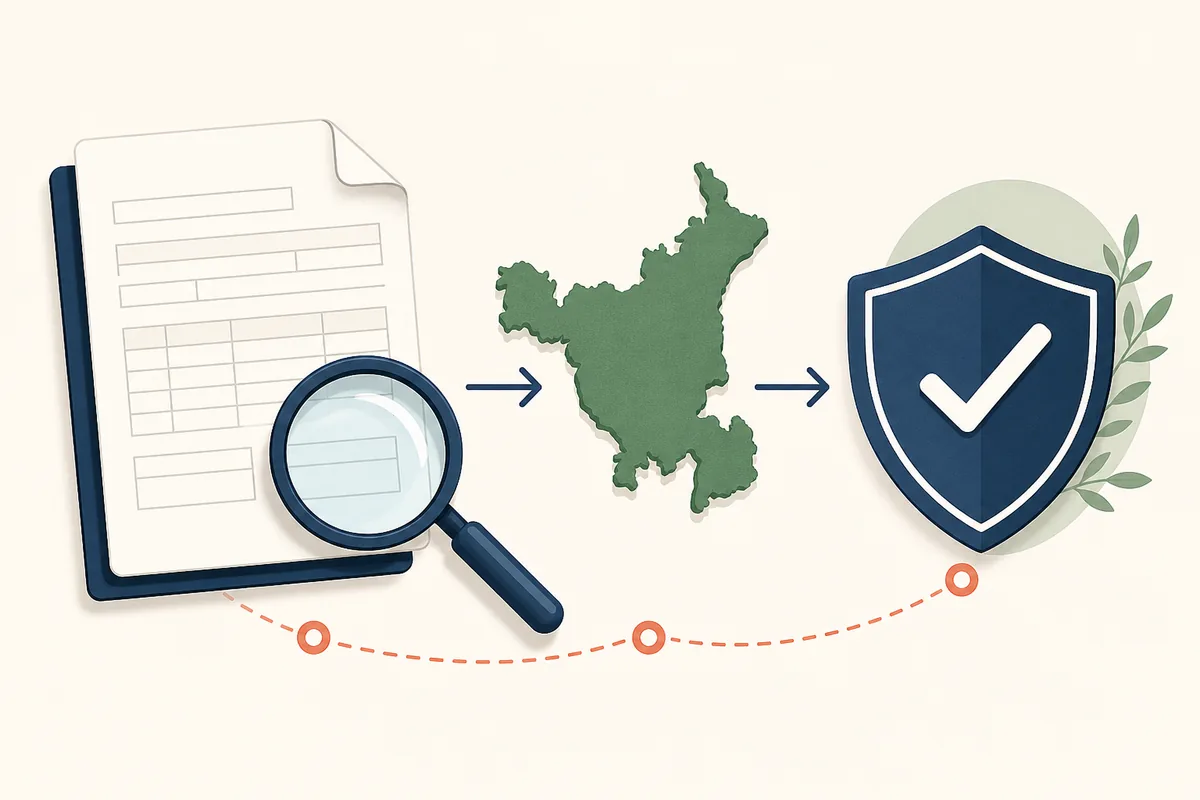
No stable Haryana SIR PDF direct link could be verified for this update. The buttons below therefore open official portal pages rather than a guessed file. Check the current notice, district instruction, and form name before downloading, printing, or submitting anything.
Check the state election portal for Haryana notices, electoral-roll resources, district instructions, and any current SIR route.
Use the national official route for an enabled online service or status check after confirming it applies to your SIR task.
Compare ordinary voter forms such as Form 6, Form 7, and Form 8 with the separate SIR enumeration instruction.
The practical answer is a route, not one permanent file. Open CEO Haryana and look for a notice that explicitly mentions SIR, Special Intensive Revision, enumeration form, electoral-roll verification, BLO activity, or a district schedule. If the notice links to a PDF, record the notice date and source URL with the saved file. If it points to Voters Portal or a local office process instead, follow that route rather than searching for a separate download.
Search results can mix an Haryana SIR enumeration form with old revision documents, ordinary registration or correction forms, social-media copies, and forms from another state. A PDF that opens correctly is not automatically current. The state name, election authority, revision round, language, publication date, and submission method must all match the instruction that applies to your polling area.
This guide is independent and does not collect EPIC numbers, Aadhaar numbers, mobile numbers, addresses, family-linkage details, or uploaded documents. It explains how to verify the route. The official portal, Electoral Registration Officer, or Booth Level Officer decides what is accepted in a particular revision round.
Do not rely on a search-result publication date alone. Compare the notice number, district, revision stage, submission deadline, and acceptance method. An older PDF can be authentic but still not be the form accepted in the current stage. If the notice and BLO guidance differ, confirm the route with the state election office before entering personal information.
A PDF and an online service solve different problems. A verified PDF is useful for reading the fields, preparing spellings and family references, printing a working copy, or following a BLO instruction. An online route is appropriate only when the official portal shows an active service for the relevant state or revision stage. The presence of an online button elsewhere does not make that website an authorized submission channel.
Before using a PDF, compare its heading, issuing authority, language, page count, footer or revision reference, and linked notice. Before using an online route, check the domain and confirm the page clearly identifies the service. Do not upload personal documents merely because a page uses election-related colors, emblems, or familiar terminology.
No verified permanent Haryana SIR PDF file was available to this update. That is why this page links to official entry pages, not to a third-party file. If CEO Haryana later publishes a specific document, its state notice should remain the evidence for the file even if other sites offer a faster download.
Preparation reduces errors, but a generic checklist cannot replace the current Haryana notice. Start with the voter record already available to the family: the name as it appears on the electoral roll, EPIC number when available, address, polling-area details, and any previous-roll or family-linkage reference requested by the enumeration instruction. Keep spellings consistent instead of guessing a correction inside the SIR form.
The election authority may ask for supporting documents only in defined situations. Requirements can depend on the revision instructions, the voter's record, and the route used. Do not upload Aadhaar, birth records, address proof, or family documents to this site or to an unofficial form collector. Read the accepted-document list on the official notice and provide only what the authorized process requests.
If the voter name, age, relation, or address is wrong in the existing roll, note the mismatch before submission. SIR verification and ordinary correction are not always the same action. The official instruction may direct the voter to a separate Form 8 process, a BLO verification, or another remedy. Keeping a simple discrepancy list helps the voter explain the issue without altering facts to make two records appear identical.

First, verify the publisher. Prefer CEO Haryana, ECI, Voters Portal, or a document directly linked from an official district or election notice. A news article, video, messaging-app attachment, or independent guide can explain the process, but it should not become the final authority for the form.
Second, verify the form purpose. The heading should match SIR or enumeration activity rather than new registration, deletion, objection, correction, shifting, or replacement. Third, verify the date and revision round. Election workflows change, so an older file may be genuine yet no longer be the document requested now.
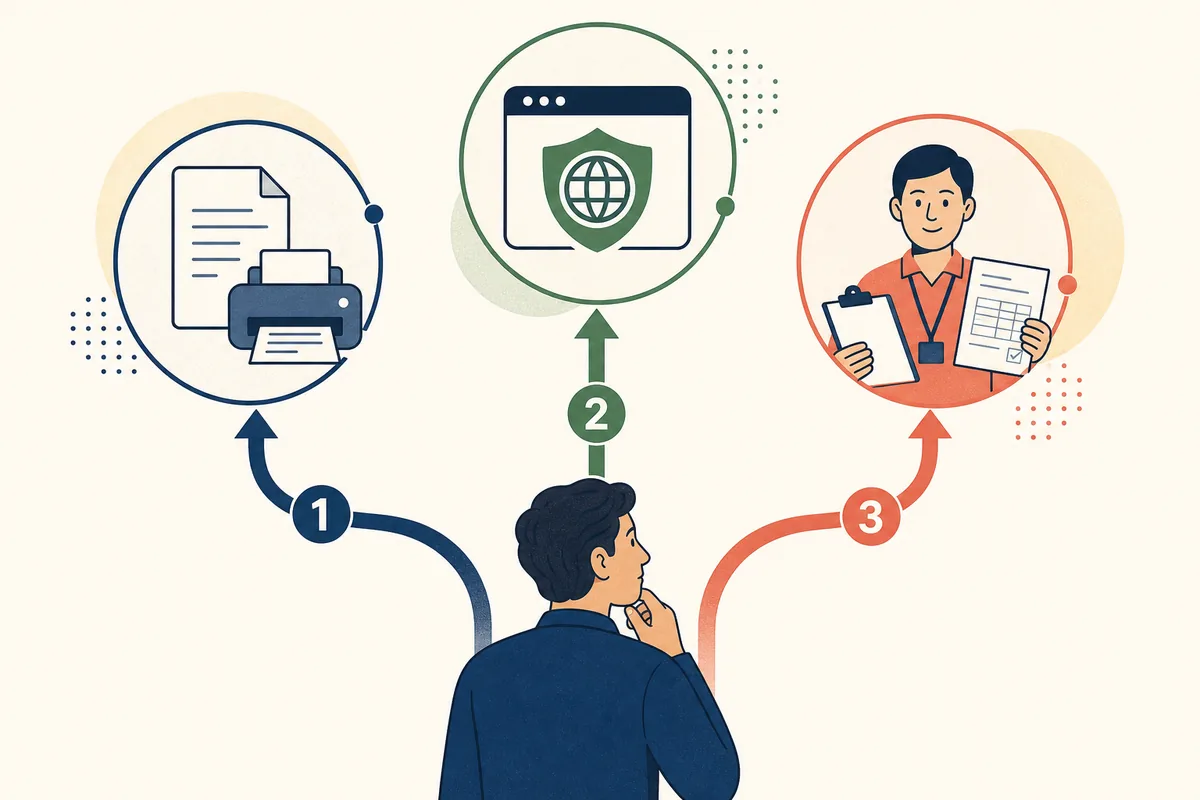
Fourth, verify the submission mode. Some instructions use BLO-assisted house-to-house collection or a printed form; others expose an online service or tracking page. Fifth, protect personal data. Enter voter identifiers and upload proofs only after the official domain, service name, and privacy context are clear. Save a confirmation or acknowledgement only when the authorized workflow provides one.
The SIR enumeration form supports a special revision or verification exercise defined by the election authority. Form 6 is generally associated with inclusion as a new voter, Form 7 with objection or deletion matters, and Form 8 with correction, shifting, or certain replacement needs. Their purposes can touch the same voter record, but they are not interchangeable documents.
For example, a voter who receives an enumeration instruction should not automatically submit Form 6 just because that form is easier to find. A voter who discovers a spelling error should not assume the enumeration form itself completes the formal correction. Read the state instruction, identify the actual task, and use the ordinary form only when the official route names it.
This distinction also prevents duplicate or contradictory submissions. When the SIR process asks for verification and a separate correction is needed, keep the acknowledgement or reference from each authorized action. If the portal or BLO gives a different sequence, follow that current instruction rather than combining forms based on a general online guide.
Suppose a family receives a paper instruction from a BLO but search results show an online page. Read the paper notice, verify the officer or polling-area context, and check whether the official portal says the online route replaces or only complements paper collection. Do not abandon a documented local instruction solely because an online tutorial looks newer.
Suppose a relative sends a PDF through a messaging app. Ask for the original source link and date, compare the document title with CEO Haryana or ECI information, and avoid completing it until the match is clear. If no official source can be found, use the file only to understand possible fields and ask the BLO for the accepted version.
Suppose Voters Portal loads but does not show the expected Haryana action. That can mean the service is not enabled for the current stage, the route requires authentication, or the state is using another process. Do not move personal information to a third-party page. Return to the state portal, check a current notice, or contact the authorized local election office.
These links are entry points for verification. No permanent Haryana SIR PDF direct link was claimed in this update.
Start with CEO Haryana and the current official notice. This update did not verify a permanent state-specific PDF direct link, so use the official portal page or BLO instruction instead of a guessed file URL.
Only use an online route when CEO Haryana, Voters Portal, or another authorized election notice shows that the service is enabled for your area and revision stage.
Requirements depend on the official revision instruction and the voter's case. Prepare existing electoral-roll details and provide supporting proof only when the authorized notice or officer requests it.
No. SIR enumeration concerns a revision or verification exercise. Form 6 generally covers new inclusion, while Form 8 generally covers correction or shifting. Follow the form named by the official instruction.
Wait and retry, use the official Voters Portal or ECI entry pages for context, and contact the BLO or election office. Do not switch to an unofficial data-collection page because the state portal is temporarily unavailable.
Use a status or tracking service only through an official portal and only after a genuine submission creates the required reference. A third-party guide cannot check or verify voter records.