
Voters Portal SIR route
Use the official Voters Portal route when online SIR tracking or submission is enabled for your area.
Official portal
Online
If you searched how to fill SIR form, the safest approach is to confirm the current official route before entering any voter information. Use this guide to prepare the details that appear on an SIR enumeration form, compare the paper and online paths, and understand where a Booth Level Officer or State CEO portal fits. The form layout, accepted documents, language, and submission window can change by state or revision round, so treat the official notice as the final instruction.
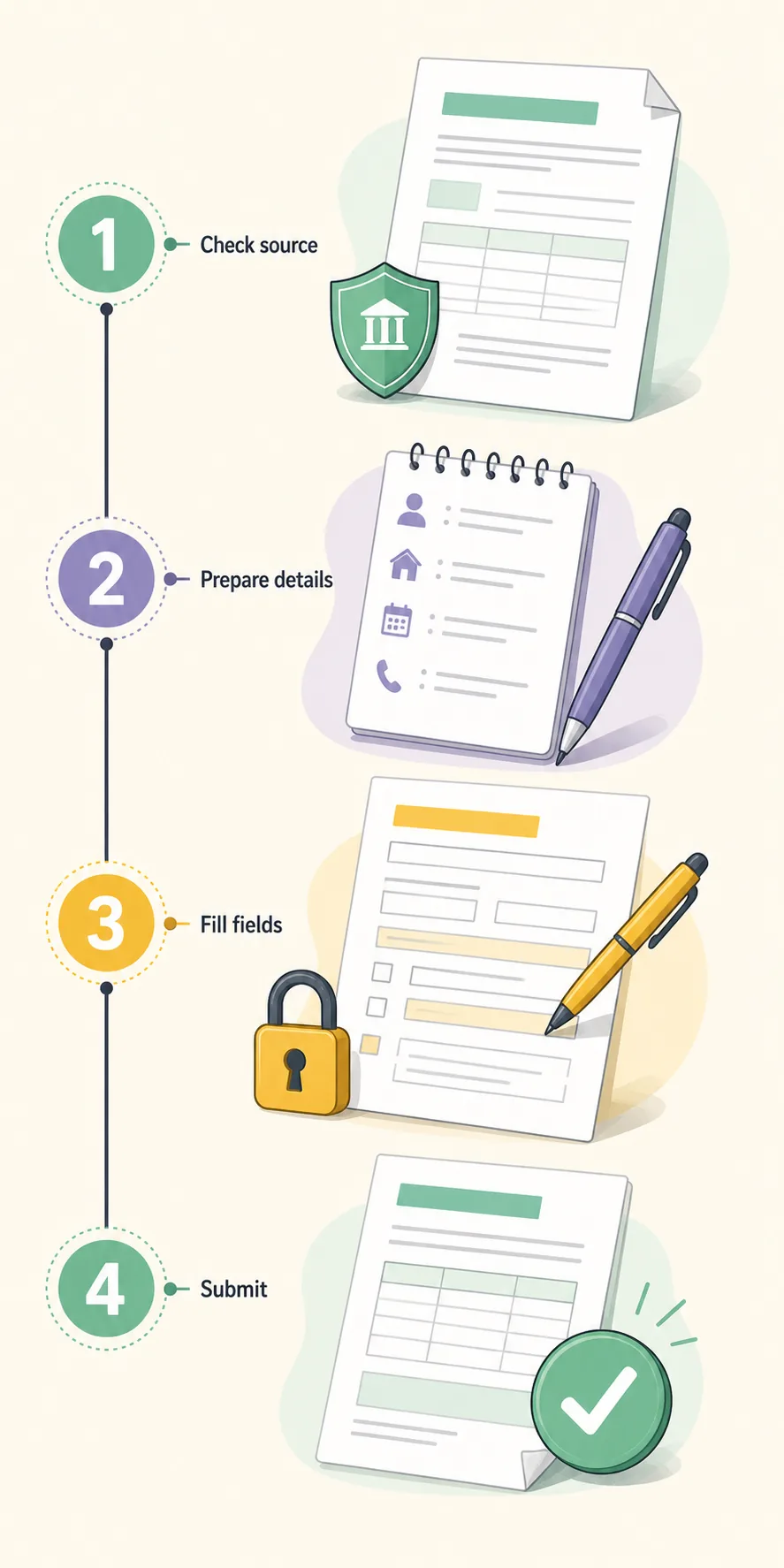
The first decision is not which field to type. It is which authority and workflow apply to your area. Open the official route, compare the form name and date, and use a PDF only as a reference until your state instructions confirm it.
Use the official Voters Portal route when online SIR tracking or submission is enabled for your area.
Review the field order and previous-roll section before meeting a BLO or using an official submission route.
State Chief Electoral Officer sites may publish local language, schedule, roll, and help instructions.
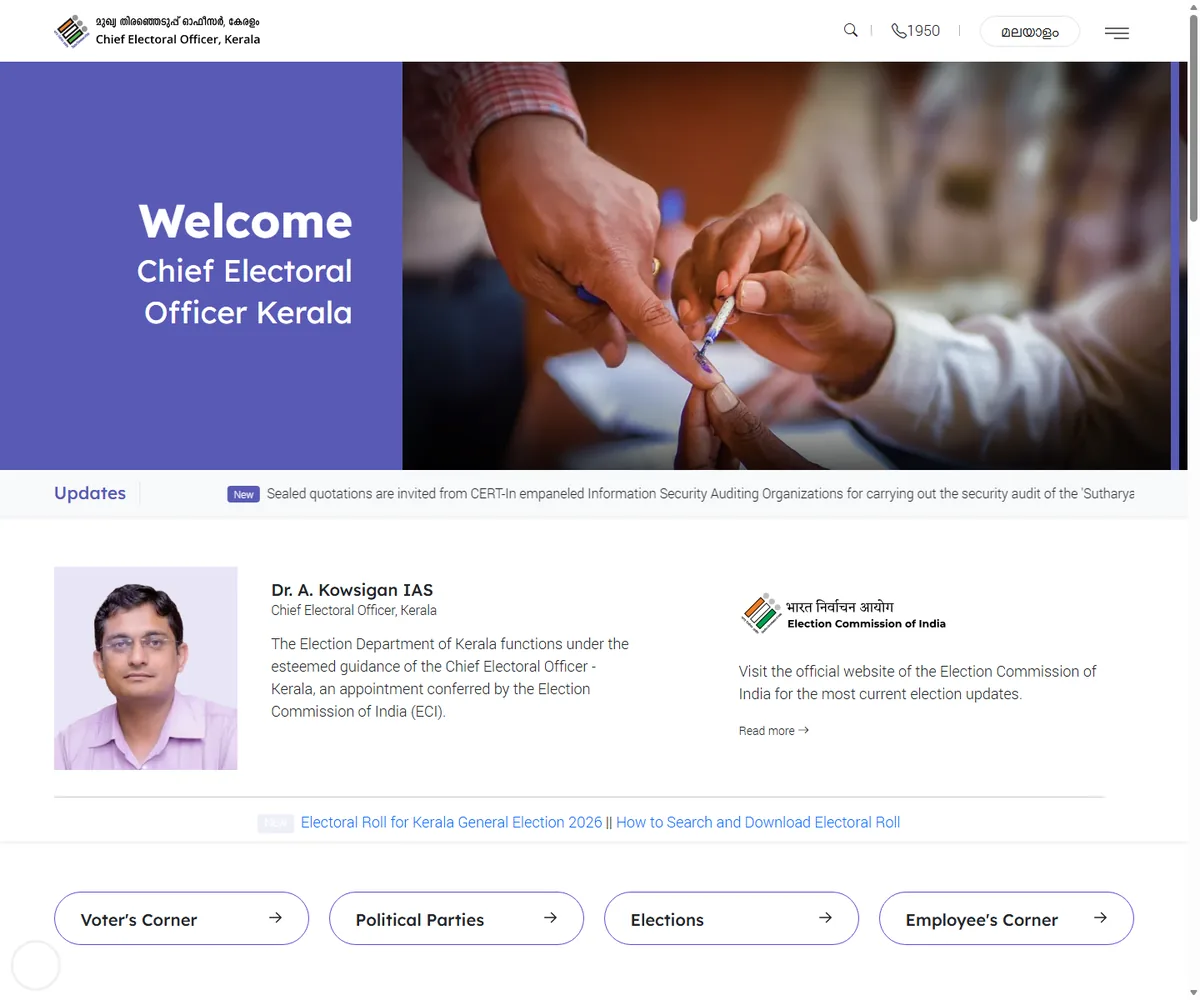
Start at Voters Portal or the Chief Electoral Officer website for your state. Look for Special Intensive Revision, SIR, enumeration form, electoral-roll verification, or an equivalent notice. A page that copies government wording is not enough: check the domain, the form name, the date, and whether the instruction is for your state and revision round.
If the online route opens, read its instructions before entering an EPIC number, Aadhaar number, mobile number, address, or family details. If it is unavailable, do not keep retrying random links. Switch to the official state page, a verified BLO route, or a paper workflow that your local notice accepts.
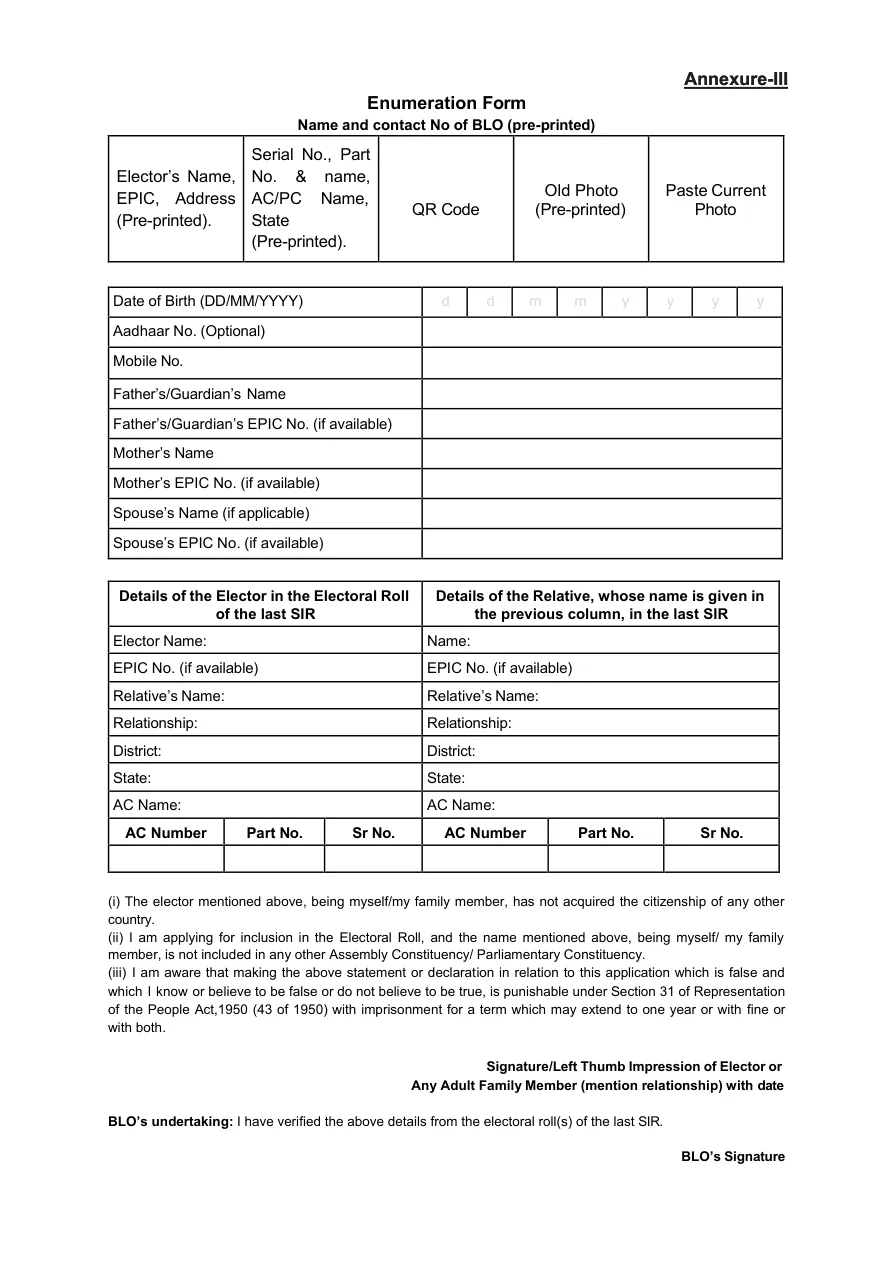
An SIR enumeration form can place pre-printed voter information beside blank fields. The reference PDF checked for this guide shows areas for the elector name, EPIC and address, serial or part details, date of birth, optional Aadhaar, mobile number, parents or spouse, and information connected with the previous SIR roll. Do not copy a detail from memory when the official roll or BLO can confirm it.
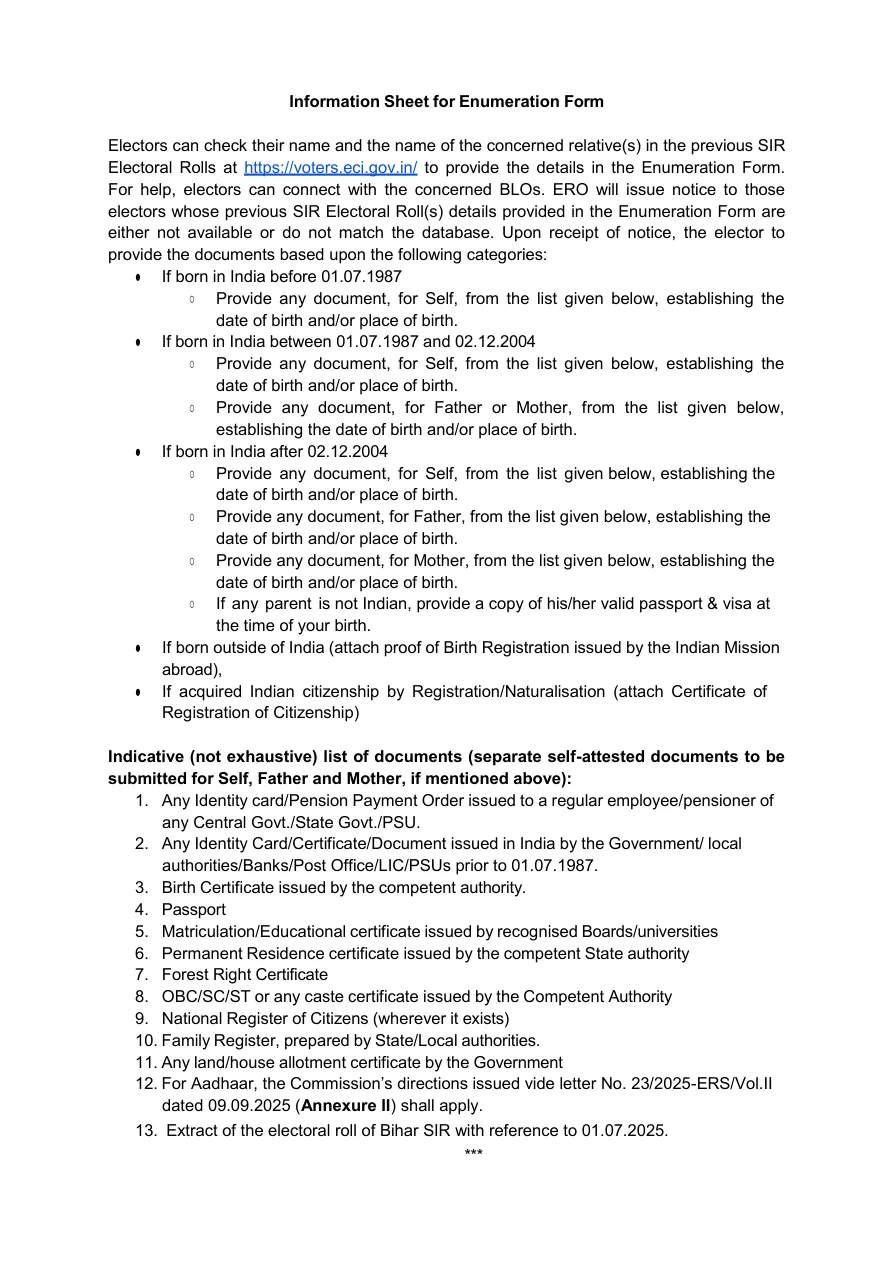
Make a small, private preparation list instead of uploading a folder of documents to an unknown website. Note the spelling used in the current electoral roll, the constituency and part information, the relevant relative's name if requested, and which documents the official notice accepts for your situation. Keep the list offline or inside the official channel.
Work from the top of the form and keep the same spelling, date format, and relationship wording throughout. Read pre-printed fields carefully before correcting anything. For a blank field, write only the information requested. If a value does not apply, follow the official instruction for leaving it blank or marking it; do not invent a dash, zero, or guessed number just to make the row look complete.
The previous SIR section deserves extra care. It may ask for the elector or a relative in the last SIR electoral roll, including district, state, assembly constituency, part, or serial information. Those values are not interchangeable with a current EPIC number. If you cannot find an old-roll detail, record what you do know and ask the BLO or State CEO help channel how that case should be handled.
Use the online path only when the official portal shows an active SIR service for your area and provides a clear confirmation step. An online form is not automatically better than paper: a portal can be unavailable, a state can route the task through a different service, or a BLO may need to verify the record. Save the official confirmation or reference number if the portal provides one, but do not post it publicly.
Choose the paper path when the official notice asks for a printed form, your area has no active online service, or a BLO instructs you to complete the form locally. This is the practical distinction behind searches such as how to fill sir form online in Delhi and how to fill sir form online in Karnataka: use the relevant state notice instead of copying another state's route. Print only from a source you can verify, use the language accepted in your state, and ask where the completed form should be handed over. A PDF download alone does not prove that the file is the correct submission channel.
Before submission, compare names, dates, EPIC values, relationship fields, and previous-roll references against the records you used. Check that every required signature, date, attachment, or declaration is present according to the current state instruction. A neat form is not necessarily a correct form; the important test is whether each answer can be traced to an official record or document.
After submission, keep the confirmation, receipt, BLO acknowledgement, or a private note of where and when you handed over the form. Do not send a photo of the completed form to social media, a public group, or a helper who cannot explain the official handling process. If you suspect a wrong link or a request for unnecessary data, stop and return to the official portal.
The official portal and state CEO site should control the final workflow. The PDF link below is included as a field-reference source and is not presented as an official or latest version.
Confirm that your state notice accepts a printed enumeration form, prepare the current and previous-roll details you can verify, write the fields in the displayed format, and ask the BLO where the completed form must be handed over.
You can use an online route only when Voters Portal or your State CEO website shows an active SIR service for your area. The available route, fields, and confirmation process can vary by state and revision round.
The reference form includes voter identity and address details, date of birth, contact and family fields, and information connected with the previous SIR electoral roll. Use the current official form and provide only the fields that apply to you.
Do not guess the district, assembly constituency, part, or serial number. Prepare the details you can verify and ask the BLO, ERO, or State CEO help channel which alternative evidence or lookup process is accepted.
No universal latest claim should be made from a generic PDF link. The checked reference PDF had no visible version number and was hosted by a third-party site, so confirm the current form name, date, language, and submission route on the official portal or state notice.
Use Form 6, Form 8, or another election form only when the official instruction says it matches your request. SIR enumeration work and ordinary voter applications can have different purposes; ask the official help channel when the wording is unclear.